
Use cases · Everyone
Setups worth stealing
Real routing rules people rely on every day. Find the one that fits how you work, then make it yours in a couple of clicks.
The actual rules editor. Pick a rule to see how it's built.

Work & life
Keep work and life cleanly apart
One browser for the job, another for everything else. BrowserFairy holds the line so a link from Mail, Slack, or Notes never lands in the wrong place.
Work and personal, separated
 Google Chrome
Work domains go to Chrome. Everything else goes to Safari. You stop thinking about it.
Most people use one browser for work and another for personal browsing. Without BrowserFairy, every link is a coin flip. One rule keeps the boundary clean, with no copy-pasting and no wrong-browser moments.
Google ChromewhenSlack links that just work
 Microsoft Edge
Your team runs on Edge, but Slack keeps opening links in Safari. One rule fixes it forever.
BrowserFairy can match by source app, not just URL. So every link clicked inside Slack opens in Edge, regardless of the domain. Works with any app: Notion, Teams, Figma, you name it.
Microsoft EdgewhenMail links open where they belong
 Arc
Arc Safari
Work mail's links go to your work browser, personal mail's to Safari, sorted automatically by which app the click came from.
Mail is the single biggest source of links for most people. BrowserFairy matches on the source app, so a link from Outlook opens in your work browser while a link from Apple Mail opens in your personal one, with no rule juggling and no wrong-browser logins.
ArcwhenSafariwhenTexts and chats stay on your personal side
SafariLinks from Messages, WhatsApp, and Signal open in your personal browser, never your locked-down work profile.
Personal conversations shouldn't drag work logins and extensions along. Match the messaging apps you use and every link they produce lands in your personal browser, with the boundary kept for you.
SafariwhenGoogle accounts without the logout dance
Google Chrome Firefox
Work Google in one browser, personal Google in another. No more signing in and out.
Google Docs, Drive, and Calendar in Chrome for your work account. Gmail and YouTube in Firefox for your personal account. Both stay signed in. Zero friction.
Google Chromein profileWork (alex@acme.example)whenFirefoxin profilePersonalwhen
From the apps you live in
Route by where the link came from
BrowserFairy can match the app you clicked in, not just the address. So links from your calendar, your notes, or your launcher land in the right browser, whatever the URL.
Meeting links, ready to join
Microsoft EdgeA link clicked in Calendar or Fantastical opens in your work browser, signed in and ready before the call starts.
Calendar invites are one of the biggest sources of links in a workday, and they always fire right before a meeting. Matching them by source app means the call opens in the browser with your work account, not a coin flip.
Microsoft EdgewhenLinks from your notes app
ArcLinks from Notion and Obsidian open in your work browser, where your workspace and internal docs are already signed in.
Your notes are full of links to dashboards, tickets, and shared docs. Routing what you click there to the work browser means a reference opens in context instead of on a login screen.
ArcwhenLinks from your launcher
 Brave Browser
Open a link from Alfred, Raycast, or Spotlight and it lands in your main browser, not whichever one happened to be in front.
Quick launchers are how a lot of people open links, and macOS just hands them to the default browser. One rule sends launcher links to the browser you actually want them in.
Brave Browserwhen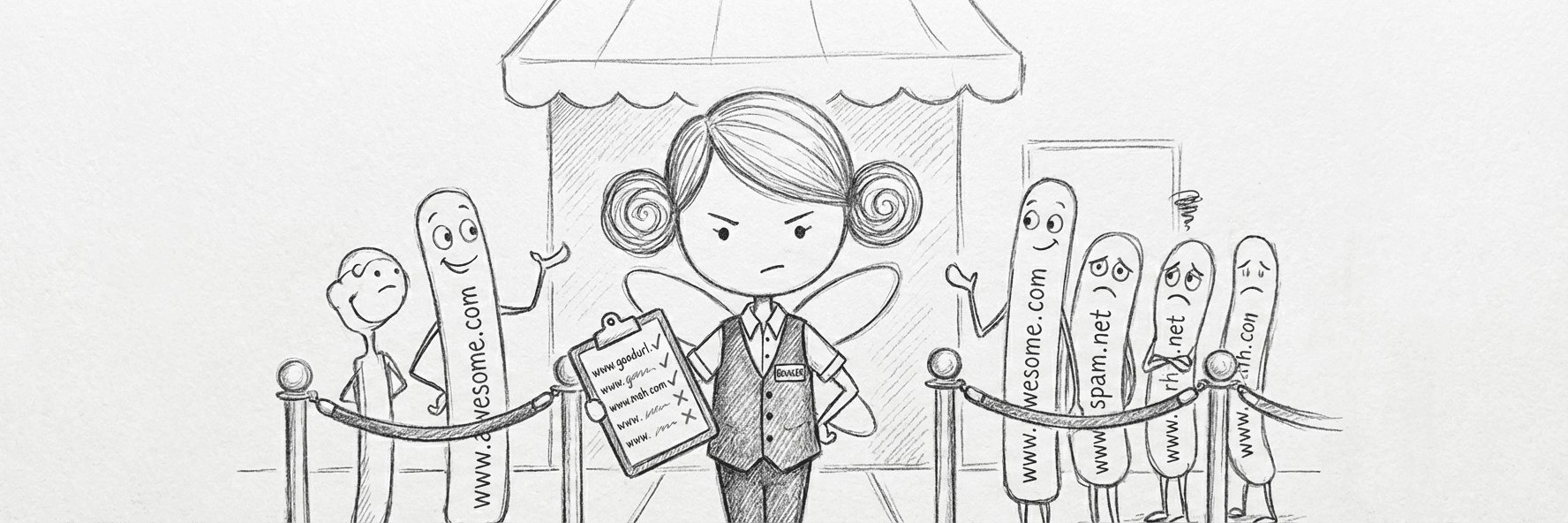
Privacy & safety
A clean browser for what matters
Send sensitive sites to a browser with no extensions and strict tracking protection. Keep the trackers away from the rest of your day.
Banking in a clean browser
SafariFinancial sites open in Safari: no extensions, no trackers. Just you and your money.
Browser extensions can read page content, including form fields. For banking and financial sites, opening them in a clean browser with no extensions adds a meaningful layer of protection.
SafariwhenSocial media in a sandbox
FirefoxFacebook, Twitter, and Instagram stay in Firefox with strict tracking protection. Your main browser stays clean.
Social media sites are tracking machines. Isolating them in a browser with strict privacy settings means their cookies and trackers can't follow you across the rest of the web.
Firefoxwhen
Power users
Tuned for how you actually work
Local development in your dev browser. Each meeting tool in the browser it likes. Set it once and the friction is gone for good.
Localhost always in your dev browser
FirefoxHot reload, React DevTools, your extensions: all waiting in your dev browser. No more pasting URLs.
Developers often have a specific browser configured with DevTools extensions, console settings, and test profiles. BrowserFairy makes sure local development URLs always land there, even when clicked from docs or chat.
Firefoxin profileDev EditionwhenVideo calls that just work
Google ChromeMicrosoft EdgeGoogle Meet works best in Chrome. Teams needs Edge. Set it once and stop fumbling when the meeting starts in 30 seconds.
Video call platforms are notoriously picky about which browser they run best in. BrowserFairy removes the guesswork so you join every call in the browser that actually works.
Google ChromewhenMicrosoft EdgewhenLinks from Claude and ChatGPT, opened your way
 ChatGPT Atlas
Ask an AI, get a link, and have it open in the browser that's already signed in, with the right extensions, instead of whatever's set as default.
AI desktop apps have quietly become one of the most common places links come from. Match them as a source app and the pages they hand you open exactly where you want: your work profile, your dev browser, wherever the context belongs.
ChatGPT Atlaswhen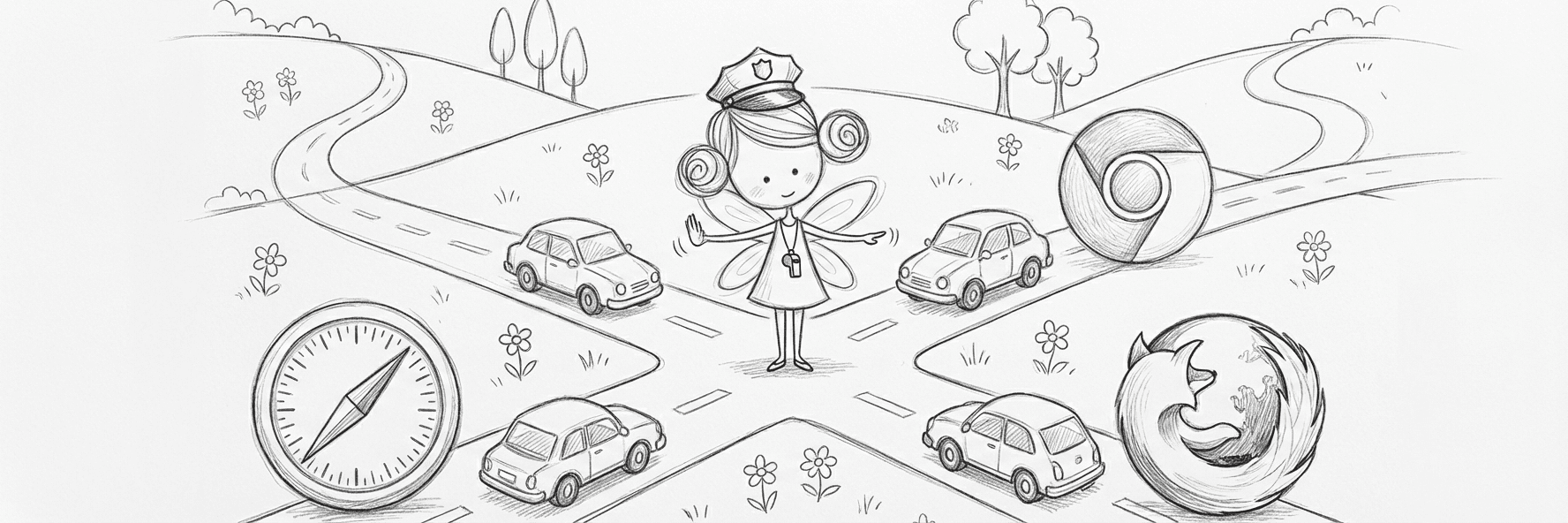
Your turn. Set the rules.
Copy any setup above or invent your own. BrowserFairy routes the next link before you even think about it.
Download FreeFree forever for your first 3 rules. No trial, no expiry.