
Use cases · Designers
Design setups worth stealing
Figma in its own space. Each client cleanly separated. References in their own window. The routing rules designers swear by.
The actual rules editor. Pick a rule to see how it's built.
Your tools
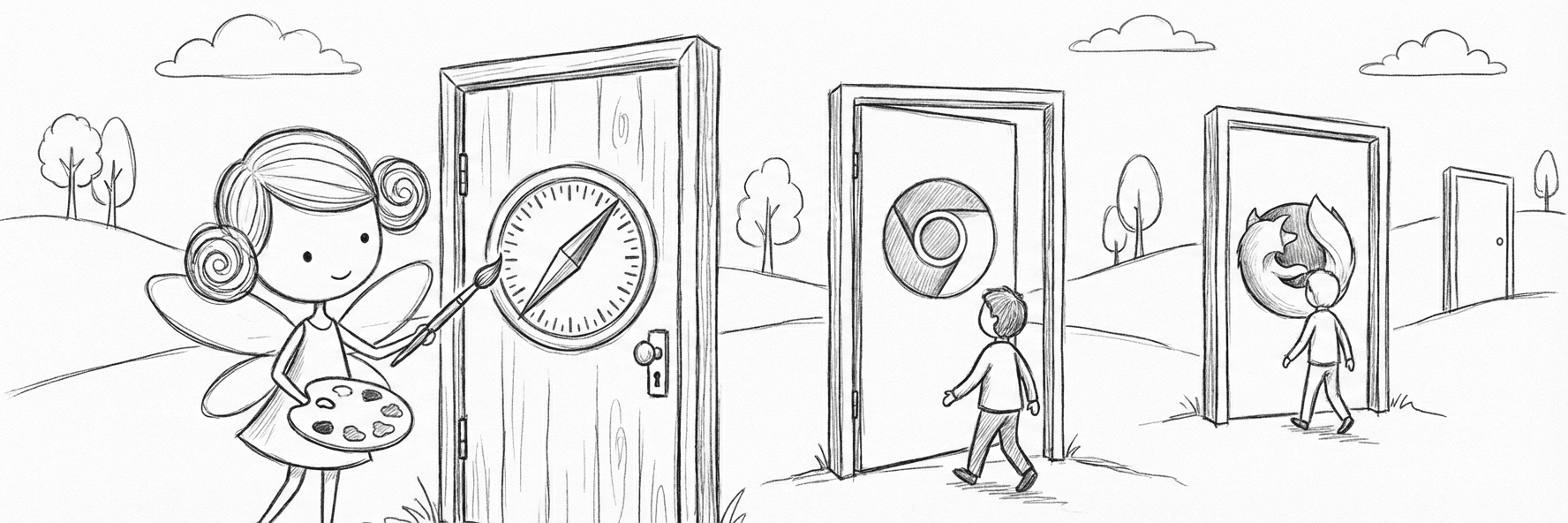
Your design tools, in their own space
Figma, Framer, Webflow, and your motion tools open in the browser and profile built for them, signed into the right team.
Figma in its own profile
 Google Chrome
Figma opens in a dedicated profile, signed into your work team. A shared link never lands in the wrong Figma account.
Figma opens a shared link using whichever Google account is active in the browser, without asking which Figma account you meant, so a client's file can open under the wrong identity. A dedicated profile keeps your work team, plugins, and fonts in one place.
Google Chromein profileDesign (work)whenBuild and motion tools, one workspace
Google ChromeFramer, Webflow, Spline, and Rive links open in the profile signed into that project's workspace, ready to edit.
No-code builders and motion tools remember your workspace and keep you signed in. Routing their links to the right browser means a shared prototype opens ready to edit, not on a login screen.
Google Chromein profileDesign (work)when
Client work
Every client, cleanly separated
Each client's Figma, Drive, and brand portal opens in its own profile, signed into their account, so logins never collide.
Client files in the client's profile
Google ChromeAcme's Figma, Drive, and Slack open in the Acme profile. Globex stays in theirs. Their accounts never mix.
Working across clients means juggling separate Google and Figma accounts. Matching each client's domains to a dedicated profile keeps every login, comment, and share under the right identity, and keeps other clients off the screen.
Google Chromein profileAcme CorpwhenBrand portals in the work browser
 Microsoft Edge
Frontify and Brandfolder links open in your work browser, with the client's SSO already in place.
Brand portals and asset managers sit behind per-client SSO. Routing them to your work browser means access is already there when a stakeholder drops a link, with no login dance.
Microsoft Edgein profileWorkwhen
Explore
References and experiments, off to the side
Mobbin, Cosmos, and Savee open in a browser kept for looking. AI tools open on your own account. Neither one crowds your client work.
A browser just for references
 Firefox
Mobbin, Cosmos, Savee, and Are.na open in a browser you open on purpose, signed into your own accounts. Your client window stays focused.
Reference and mood-boarding sites are personal, account-bound, and built to keep you scrolling. Sending them to their own browser keeps the rabbit hole out of the window where you actually ship.
FirefoxwhenAI experiments on your own account
Firefoxv0, Lovable, and Magic Patterns open in your personal profile, on your own subscriptions, away from billed client sessions.
The new wave of AI design tools runs on personal subscriptions and changes by the month. Keeping them in their own profile means your experiments and tokens stay separate from any client account.
Firefoxin profilePersonalwhen
Set your studio up right
Copy a setup or design your own. BrowserFairy sends the next Figma link exactly where you want it.
Download FreeFree forever for your first 3 rules. No trial, no expiry.